What the service includes
Descriptions, prices and duration. Explain the process, preparation and format of the appointment.
Online booking for specialists and teams in Uzbekistan
BOSHMI brings your services, prices and available times together in one link. Clients choose a specialist and book in their browser. You see each booking in your workspace.
Currently free. No bank card required.
Interactive example. No real booking is created.
BOSHMI works for an individual specialist or a team where everyone has their own schedule.
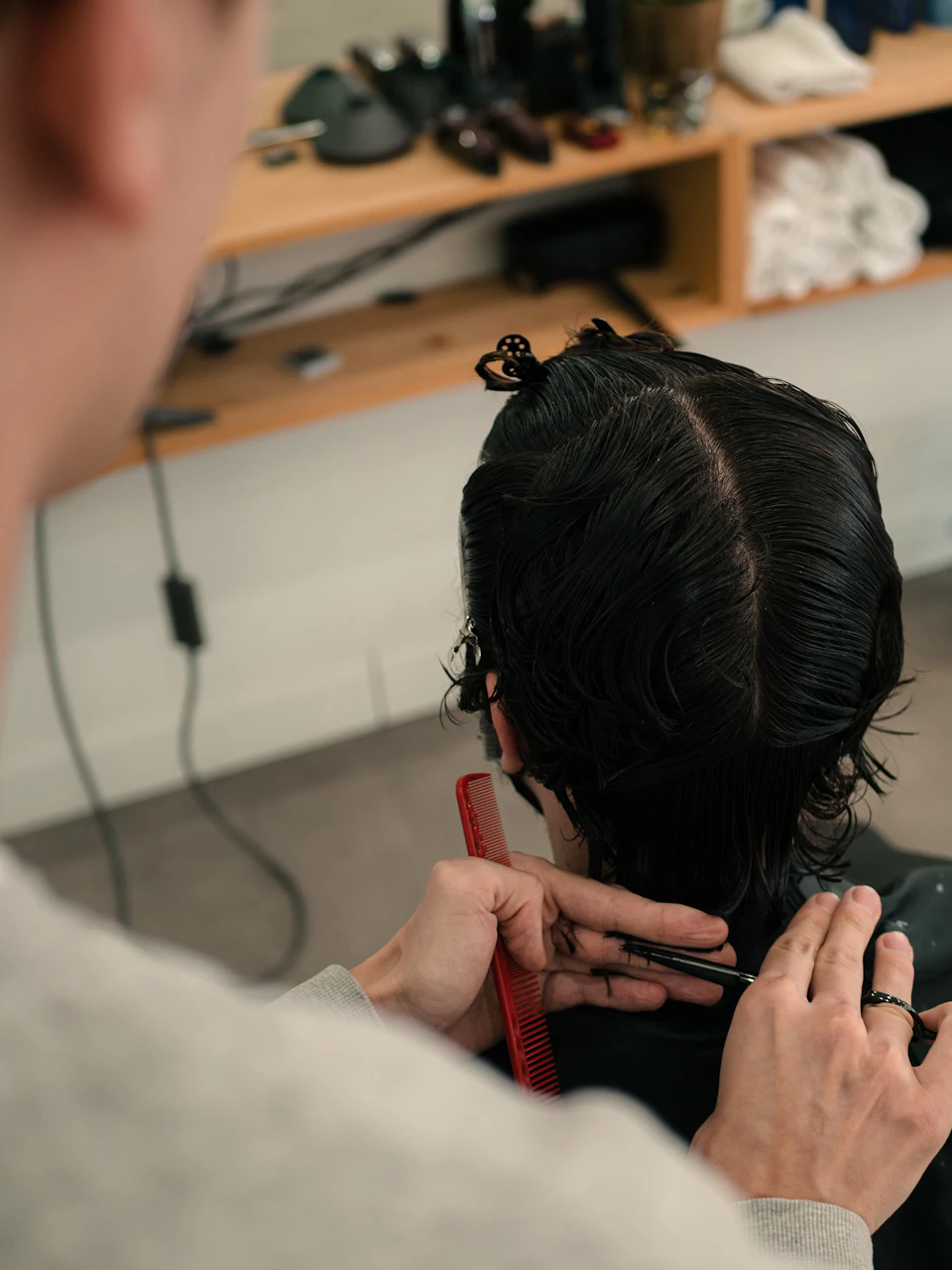
Hairdressers, barbers and nail technicians can show their services, prices and the time needed for each appointment.
Bring your services and team together on one page. Clients choose a specialist and an available time in their schedule.

Explain how a session works, what it includes and what your client should prepare in advance.
Accept bookings for individual lessons. Set the duration, price and your working hours.
Your page answers their questions and helps them choose the right service.
Create your pageDescriptions, prices and duration. Explain the process, preparation and format of the appointment.
Each specialist has their own schedule. Clients see available times for their chosen service.
Your address and phone sit alongside your business description. A link to BOSHMI remains in the footer.
Clients leave feedback after a completed booking. Your page shows the rating and written review.
Set everything up in your browser. You decide when your page is ready to publish.
Enter your name, email and password. You do not need Telegram or a bank card to register.
Add your business name and an available name for your link. Your standard page opens at boshmi.uz/b/name.
Set service descriptions, prices and duration. Add yourself or your team, assign services to specialists and set their working hours.
Complete your business description, address and phone, then publish. Share your link on social media, in messages or on your website.
Create links with UTM tags for different channels. Your workspace shows how many visits and bookings each source, campaign or placement brings.
BOSHMI started with that simple question. We bring service information and availability together, making it easier for clients to book and for specialists to manage their day.
In Tashkent, Samarkand and other cities: the same straightforward booking link. The interface is available in Russian, Uzbek and English, with prices in Uzbek soums.
No. Clients open your link in their browser, choose a service, specialist and time, then enter their name and phone. After booking, they receive a private link to view or cancel the appointment.
Yes. Add yourself as the only specialist, assign your services and working hours. You can add a team later.
A business description, address, phone, at least one available service and a specialist assigned to that service with working hours. Your workspace shows what is left to set up.
Yes. Click “Connect address” in the Plan tab. Payment and administrator approval are currently not required. Your standard page link works while the secure address is being connected.
Create a UTM-tagged link in the Traffic tab. The report shows visits and bookings by source, campaign and placement.
Your page, online booking, team, reviews, traffic statistics and name.boshmi.uz address are currently free. No payment is required and there are no automatic charges.
Start with a name. Add services, working hours and details in your workspace.